Your AI Bill Is a Cloud Bill: What to Check on SageMaker
An idle SageMaker endpoint bills like an idle EC2 instance. Five checks for the AI line on your AWS bill, what each one looks at, and what it cannot see.
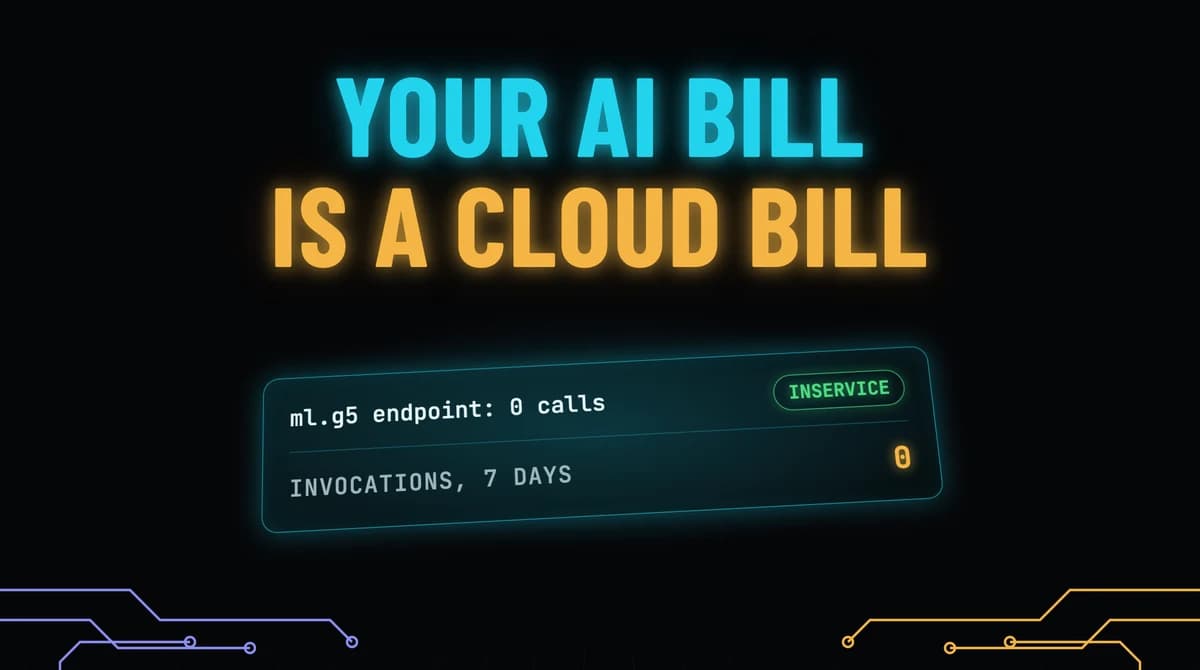
After this post you will have five specific things to look at on the AI part of your AWS bill, and a free, read-only command that checks them for you.
The idea is simple. When you host a model yourself, on a SageMaker endpoint or a notebook instance, you are renting machines by the hour. Nobody cancels the AI project when the bill grows. They trim what it costs. The trimming is the same work as trimming an EC2 fleet: find the machine nobody is using, find the one that is too big, find the storage left behind.
The AI bill is a cloud bill.
Idle SageMaker endpoints: the hourly rent on a model nobody calls
A real-time endpoint is one or more instances kept running so your model can answer requests. SageMaker bills those instances for every hour the endpoint is InService. Invocations do not change the rent. A model that gets zero requests costs the same as a busy one.
That makes the first check easy to state: an endpoint with zero invocations over a window.
CloudWise's idle_sagemaker_endpoint check reads the Invocations metric from CloudWatch and flags an InService endpoint with none in the window. The window is 7 days by default and you can change it. An endpoint younger than the window is skipped, because "no invocations in 7 days" cannot be true of an endpoint that is 2 days old.
The honest caveat: zero invocations is evidence, not a verdict. A quarterly batch job or a disaster recovery endpoint looks idle for weeks. The check tells you where to look. You decide.
Oversized endpoints: busy, but on a machine far too big
The second pattern is an endpoint that does get traffic, on hardware that never works hard.
oversized_sagemaker_endpoint needs three things at once: at least 100 invocations in the window (so it is genuinely in use), average CPU under 20 percent, and average memory under 20 percent. Both resource averages have to be low. A model that is memory heavy but CPU light is not oversized, and the check leaves it alone.
The savings number on this one is an estimate. The detector assumes a conservative 40 percent saving from a smaller instance. Load test the smaller size before you move.
Notebook instances: the other way to leave a machine running
Notebook instances bill per hour while InService, whether or not anyone is typing. Three checks cover them:
idle_sagemaker_notebook:InService, not started or modified for more than 7 days, and no event in its Jupyter server log in that time. It reads the log group/aws/sagemaker/NotebookInstanceswithlogs:DescribeLogStreams. If it cannot read the log, it reports "missing" and does not guess. This is the least validated check of the set, so treat it as a prompt to look.stopped_sagemaker_notebook_storage: a stopped notebook stops the compute charge, but the attached ML storage volume keeps billing. The check flags notebooks stopped for at least 7 days that still hold a volume. The code prices the storage at $0.14 per GB-month in us-east-1, from the AWS Price List read on 2026-10-01.previous_gen_sagemaker_instance: notebooks and endpoints onml.m4orml.c4families, with theml.m5andml.c5equivalents as the suggested move. You have to stop a notebook before you change its type, and your frameworks need to work on the new family.
What the checks have actually done
Honesty about evidence matters more than a long list, so here is where each one stands, from our own audit ledger as of 2026-11-22:
| Check | Evidence level |
|---|---|
idle_sagemaker_endpoint | L2: fired on a real idle endpoint in a test account and stayed silent on a matching control |
oversized_sagemaker_endpoint | L2: fired on its own fixture in a test account and stayed silent on a matching control |
previous_gen_sagemaker_instance | L2: fired on its own fixture in a test account and stayed silent on a matching control |
stopped_sagemaker_notebook_storage | L3: also read back through the product's own API |
idle_sagemaker_notebook | L1: unit tested, not yet fired against a real notebook |
There is also a sixth item, sp_opportunity_sagemaker, which looks for Savings Plans opportunities. It is advisory: it cannot be validated inside our test budget, so its savings stay out of every total and the report labels it.
And Bedrock?
Bedrock is a different shape of bill. There are no instances for us to find idle. You pay for usage, and some setups add provisioned capacity.
CloudWise does not check Bedrock token usage or prompts, and I will not pretend it does. What you can do today is open Cost Explorer, group by usage type, and see which Bedrock line is moving. That tells you where to start asking questions in your own code.
Run the five checks yourself
All of these run in the free CLI, on your machine, with your own read-only AWS credentials. Nothing is sent to CloudWise unless you choose to share a summary when it asks (the default is no). The CLI is open source under the Apache License 2.0 (the CLI only, not the hosted product).
pipx install cloudcostwise
cloudcostwise scan --profile my-profile --regions us-east-1
AWS bills the scan's Cost Explorer calls; add --no-cost-explorer to skip them.
If you would rather see what the output looks like before you point it at an account, uvx cloudcostwise scan --demo prints a recorded sample scan with no AWS login.
One limit to know about: SageMaker instance prices in the built-in table are us-east-1 list prices and are not adjusted for your region (notebook storage is region-scaled). Each instance-priced finding says so in its pricing line, so read the dollar figure as a size of the problem, not an invoice.
Free, read-only, a few minutes: cloudcostwise.io
Find this waste in your own account
Run the free scanner on your own machine. Read-only, no signup, and nothing is sent to CloudWise unless you choose to share a summary at the end.
$ pipx install cloudcostwise
What it checksPrefer a dashboard? Start a free hosted scan →